First Boot
Power on
Connect the 5 V / 3 A adapter to the PWR IN Type-C port. The red power LED stays lit while power is present; the green user LED is off by default and can be controlled from software after boot.
The board boots from eMMC first, then microSD. First boot may take a minute while the image expands its root filesystem.
Log in
Default accounts :
| Account | Password | Note |
|---|---|---|
tboard | tboard | everyday user |
root | root | administrator |
With the debug serial console : the debug UART is on 40-pin Pin 8 (TX) / Pin 10 (RX), with GND on Pin 6. Use a 3.3 V USB-to-serial adapter and cross the data lines: the board's TX (Pin 8) goes to the adapter's RX, the board's RX (Pin 10) goes to the adapter's TX, and GND to GND:
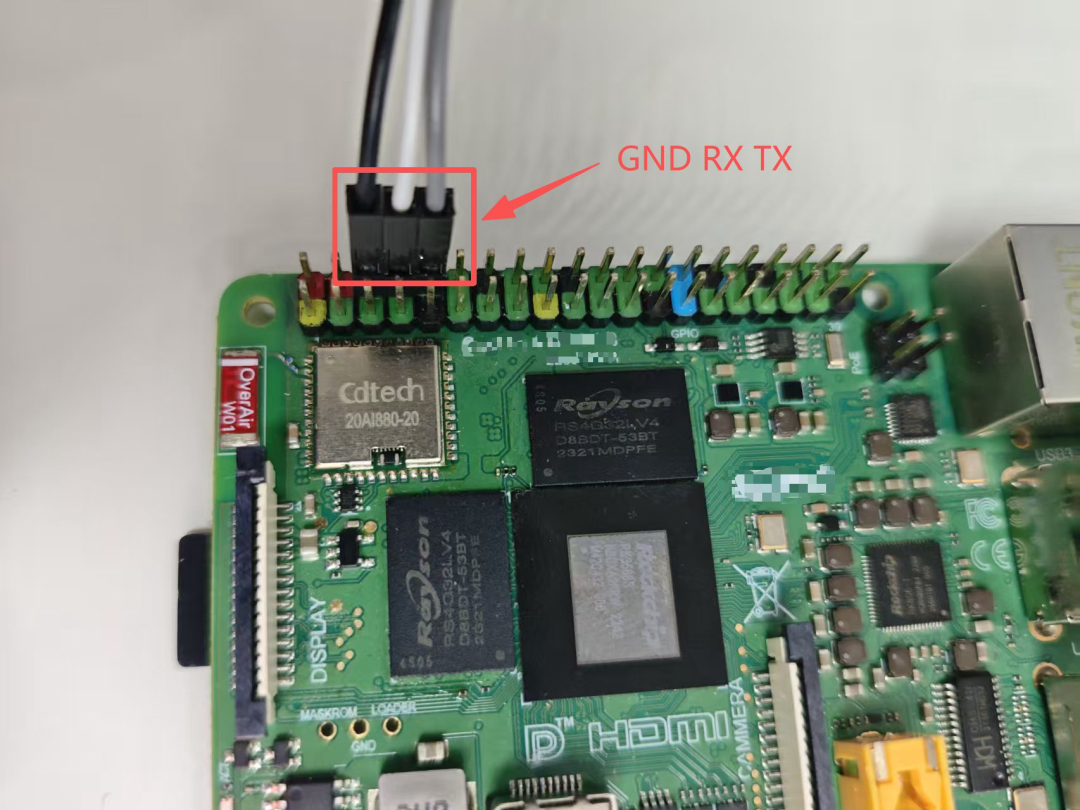
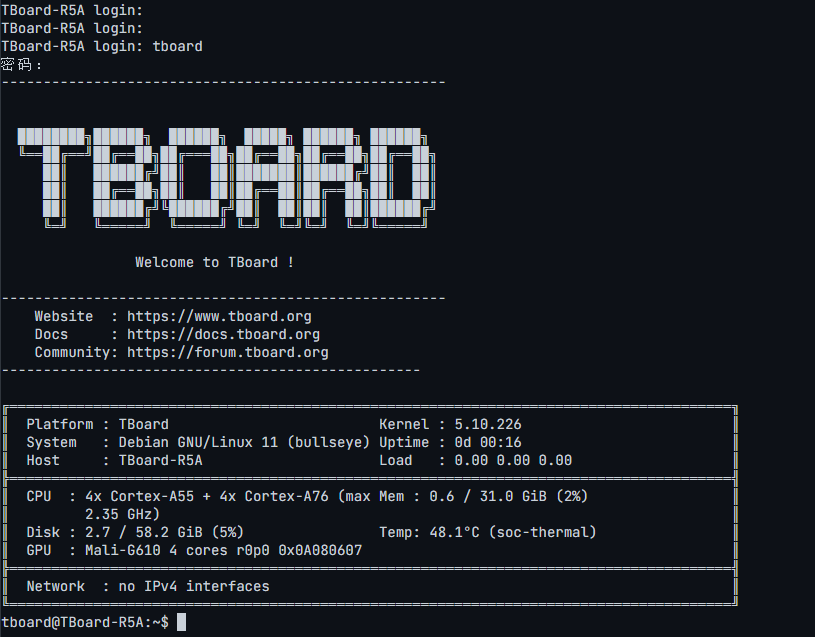
Serial settings: 1500000 baud, 8 data bits, no parity, 1 stop bit. A successful serial login lands on the TBoard welcome screen:
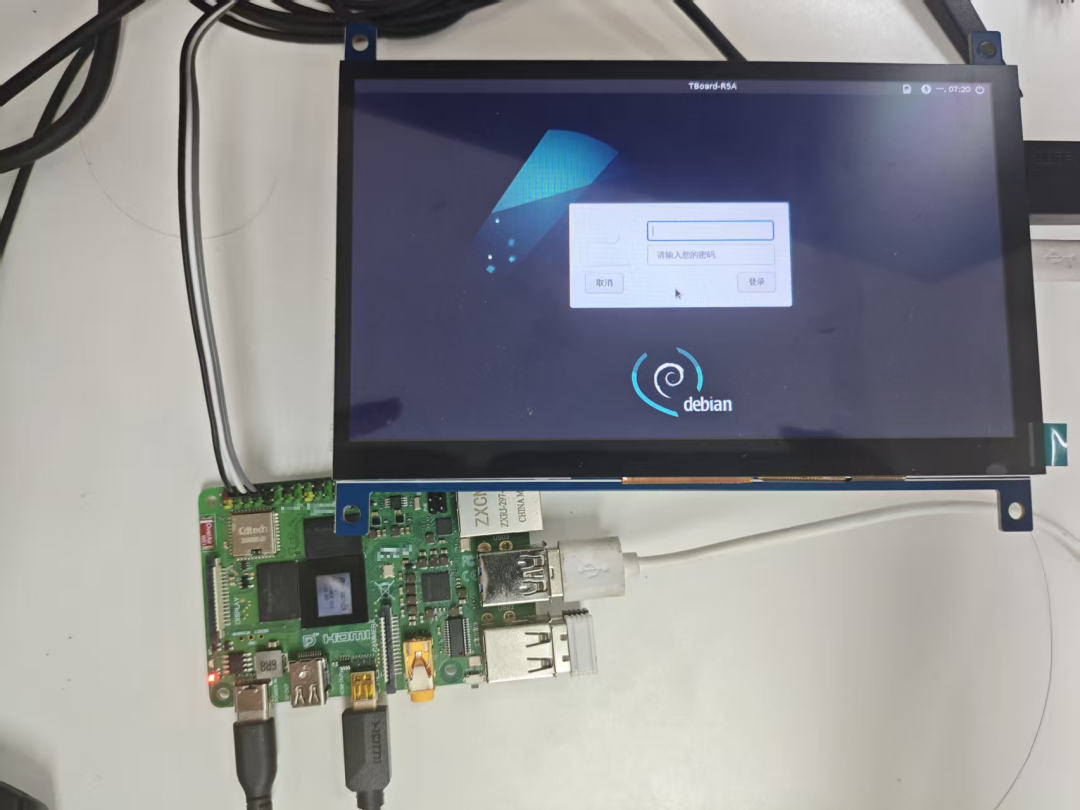
With a display: wire up the Micro HDMI output as described in Assembly · Connect display; the login screen appears on the monitor after power-up:
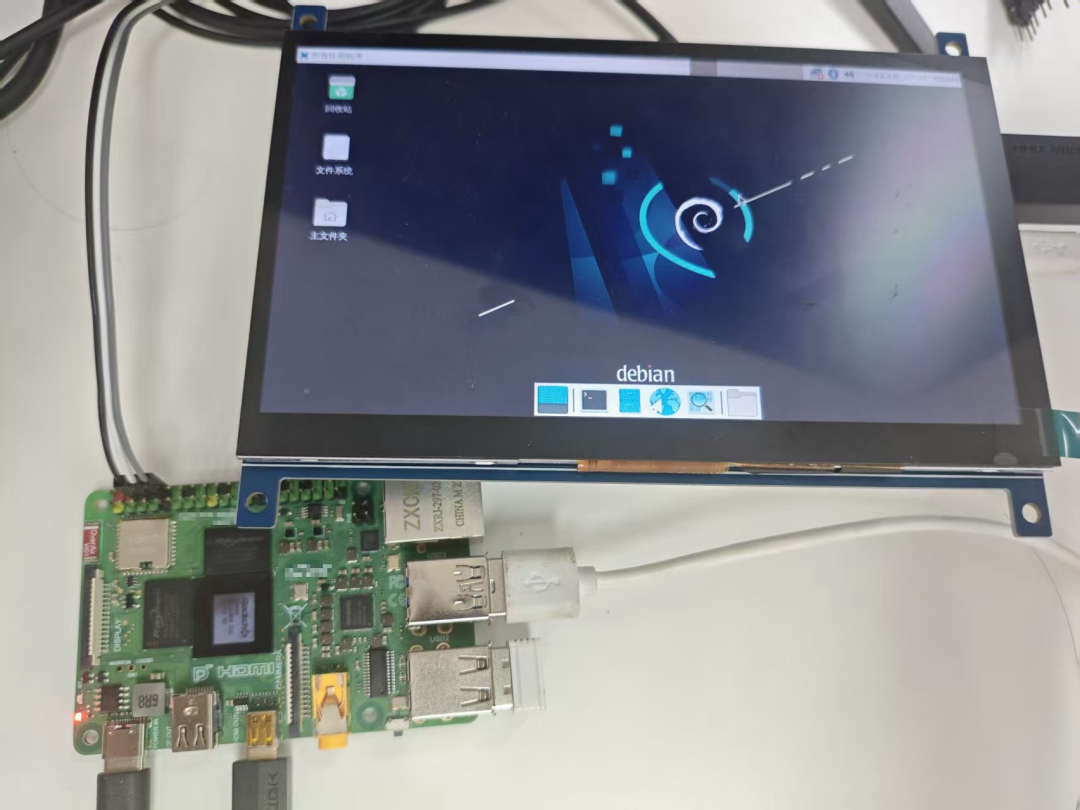
Enter the password to reach the Debian desktop:
First-boot checks
uname -a                      # kernel version
ifconfig                      # enP4p65s0 got a DHCP address (RTL8111/8168 on PCIe)
ping -c3 docs.tboard.org      # outbound network
The Ethernet interface is enP4p65s0 (Realtek RTL8111/8168 on PCIe), not
eth0; NetworkManager names the default wired profile "Wired connection 1", so
nmcli con up "Wired connection 1" is the manual fallback. ip a and
nmcli dev status both show the real name.
If it does not boot
- Re-check the boot media — the card in the microSD slot is used only when the eMMC has no bootable system.
- Watch the serial console for U-Boot output; no output usually means power or cabling issues.
- Re-flash and try again — see Flashing the Image.
Related
- UART & Serial
- Basic Compilation — build your first program.